How Much Should I Charge the Client? How I Stopped Guessing and Started Measuring
For years, quoting a photography job was always a mix of experience and gut feeling. I had a rough sense of how long it took to shoot a product session or a concert. Editing was the mystery — “let me go through the photos” could mean 40 minutes or two hours, and that gap adds up in ways no instinct can predict accurately.The time spent shooting is actually easy to measure: I can see the time of the first and last photo in the metadata, and setting up the scenery and lighting isn’t hard to estimate either. My real problem is the invisible part — the hours in Capture One culling and developing, and in Photoshop retouching. That’s probably the part that most defines a job’s real value, and it was exactly the part I couldn’t measure.
The problem with trying to remember…
I tried the obvious fix: a manual stopwatch, hit “play” when I start editing, “pause” when I stop. It didn’t last. I forget. I’m halfway through a retouch, the phone rings, I get up, and three hours later I notice the stopwatch is still counting a coffee break that should’ve been five minutes — or I reach the end of the day and realize that when I came back from lunch, I forgot to hit “play” again.I realized I didn’t need more discipline. I needed automation.
Where AI came in — not to replace, but to build
I’m not a programmer. But I described the problem to Claude the way I’d describe it to a colleague: I need to know how much time I spend in Capture One and Photoshop, without having to remember to switch anything on. We built the solution through conversation — me explaining my actual workflow, the AI translating that into code.
The result was a small Python script that runs in the background. Every 5 seconds, it checks which window is active:
“python
def identificar_aplicacao(titulo_janela, nome_processo):
texto_busca = f”{titulo_janela} {nome_processo}”.lower()
for chave, nome_bonito in APLICACOES_MONITORIZADAS.items():
if chave in texto_busca:
return nome_bonito
return None”
If it’s Capture One or Photoshop, it counts. If I go more than 90 seconds without touching the mouse or keyboard, it pauses on its own — getting coffee, going to lunch, or taking a call from another client isn’t billable time for the client I’m currently editing for, so I needed something that counts only the time I’m actually dedicating to that client.
From the first click to the invoice, fully automated
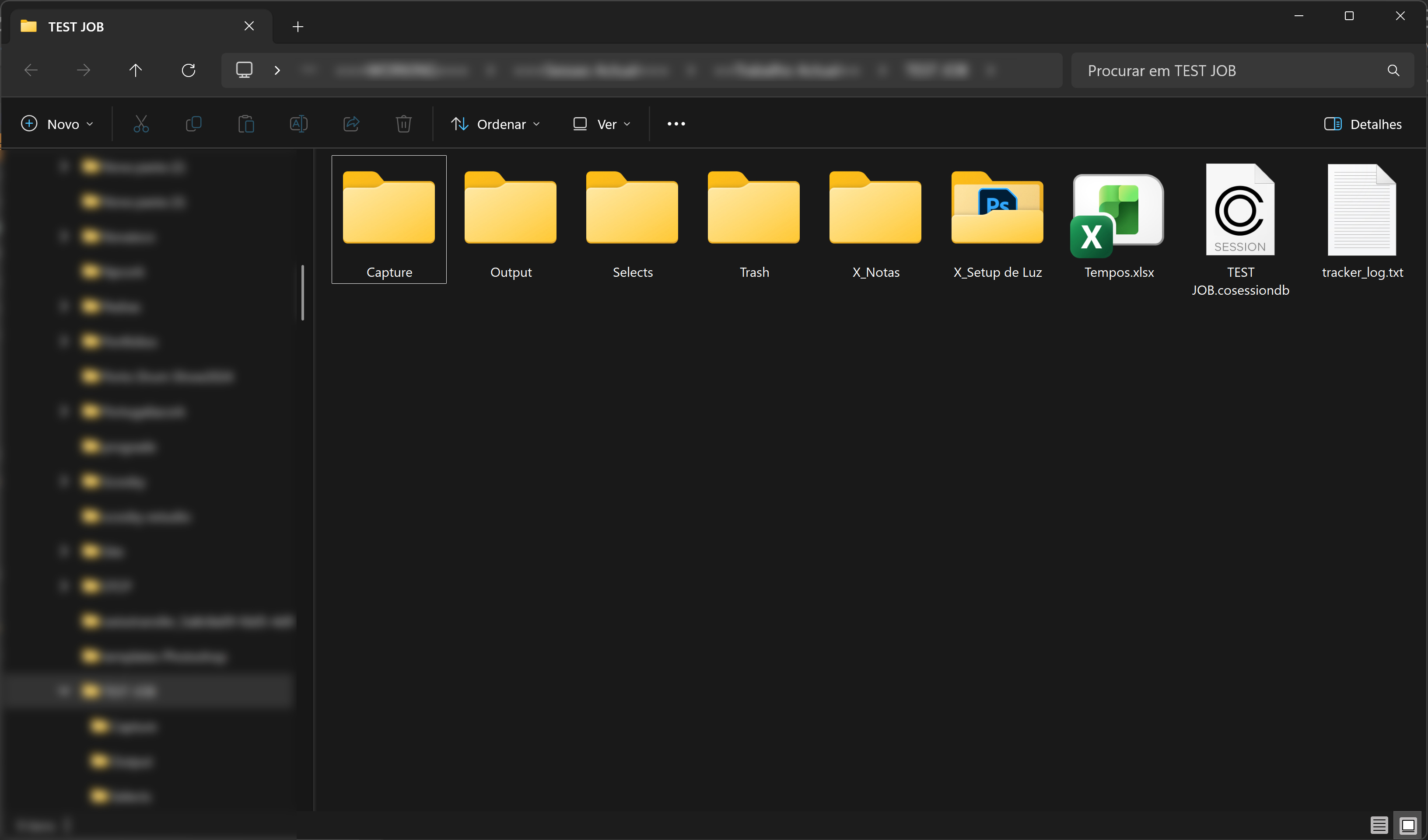
After automating the time tracking in Capture One and Photoshop, I decided to take it one step further: I asked Claude to build an automation that creates the new job folder already with everything I need inside it — the Excel file with the time logs, a folder with the lighting setup documented in a Photoshop file, and a “Notes” folder for anything I might need to jot down about that specific job.
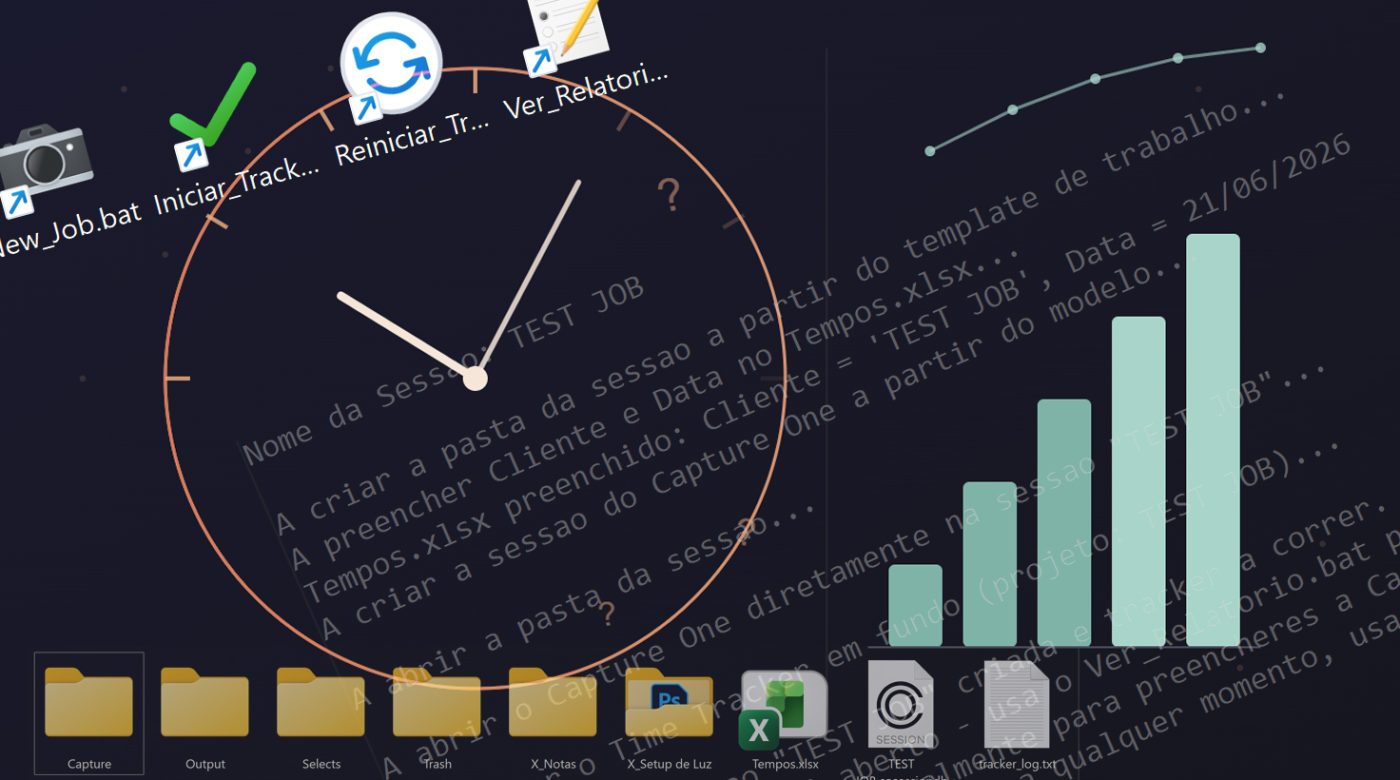
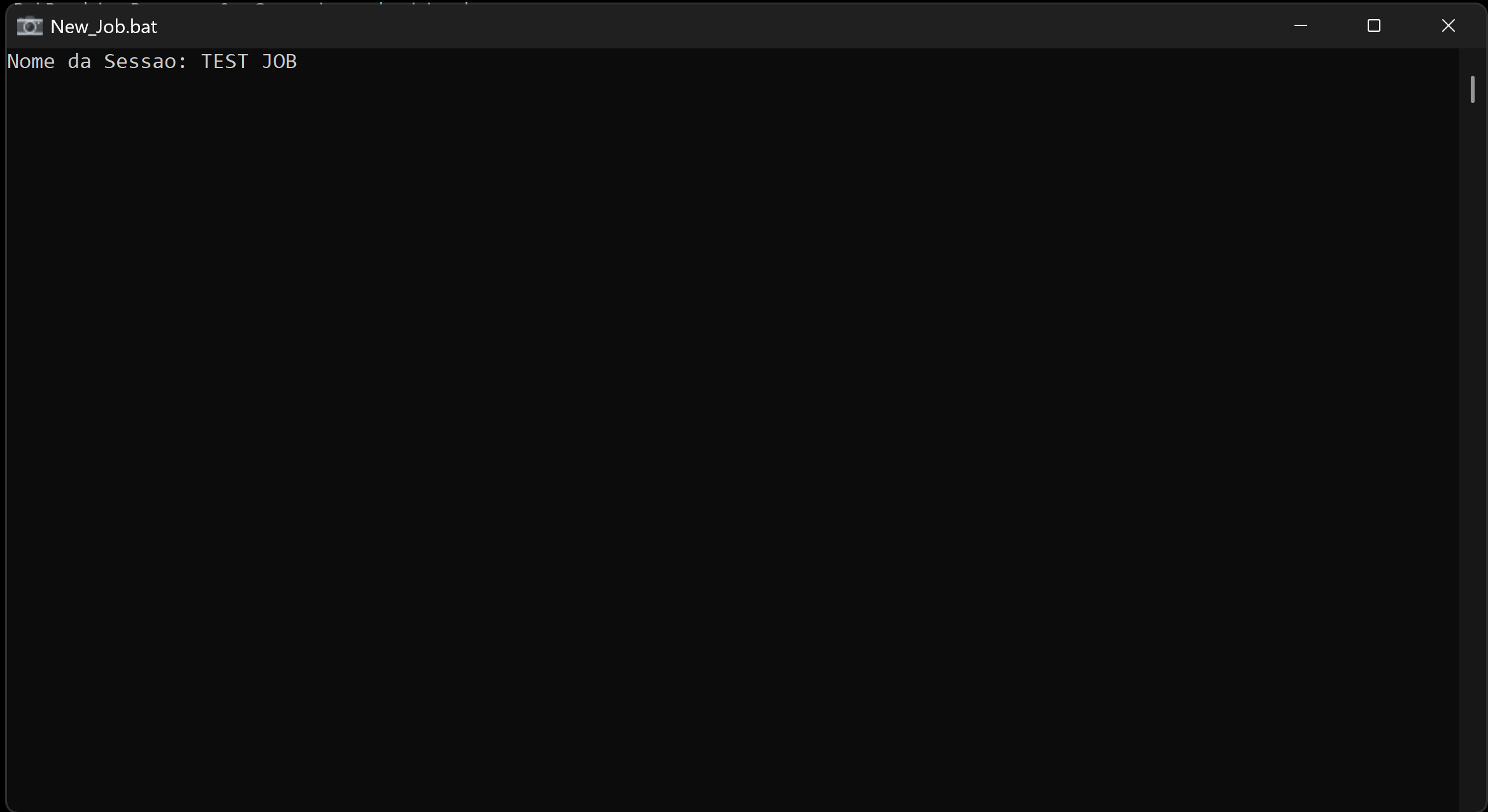
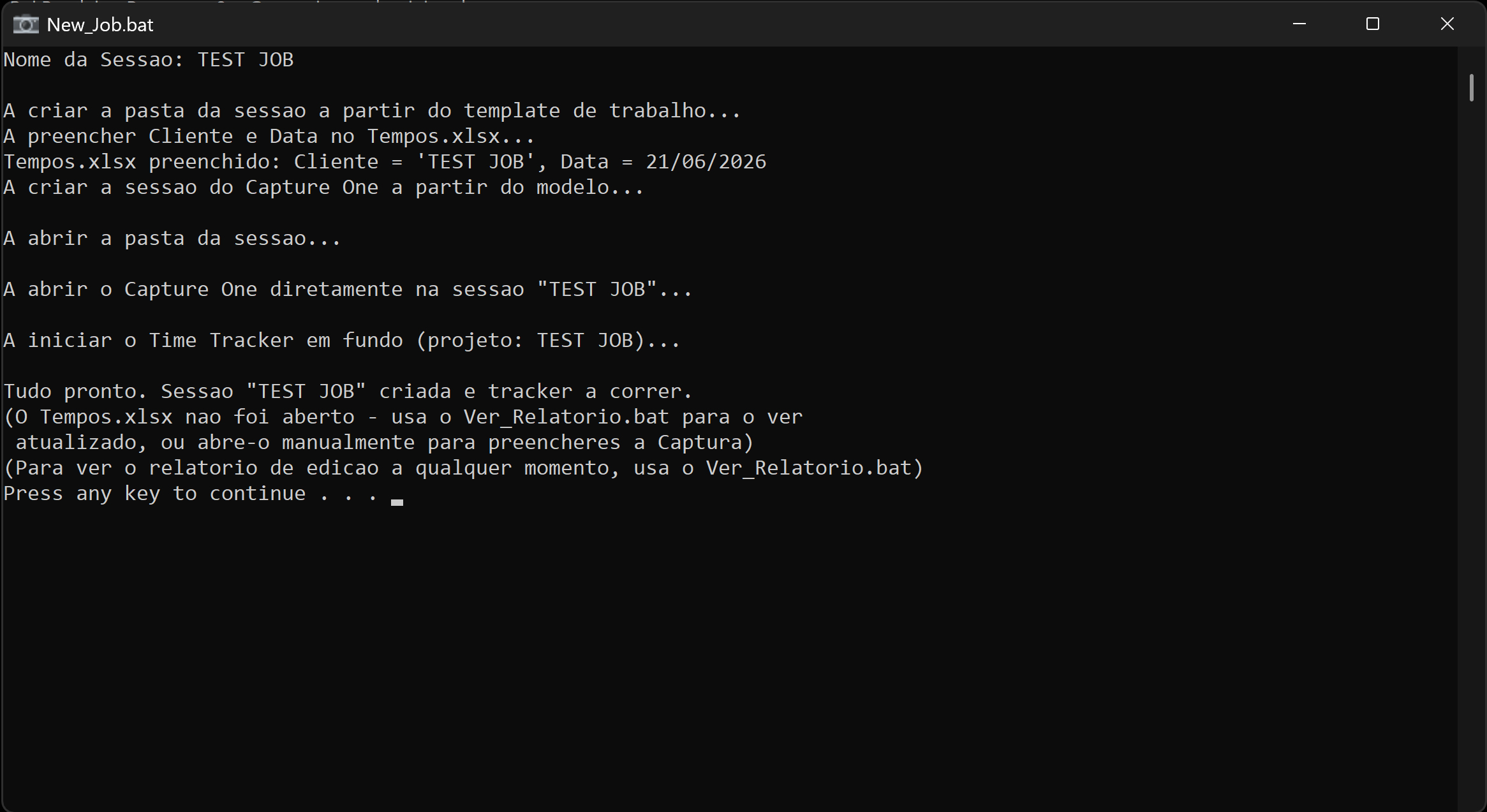
Now, when I start a new job, I run a single file that does everything for me:
- Creates the session folder from my template, with all the files and subfolders already in place
- Opens Capture One already in the right session, under the client’s name
- Starts the tracker on its own
(Photoshop doesn’t open automatically — I don’t always use it, it depends on the job, so it makes more sense to open it only when I need it.)
I just shoot and edit; the system handles the rest.
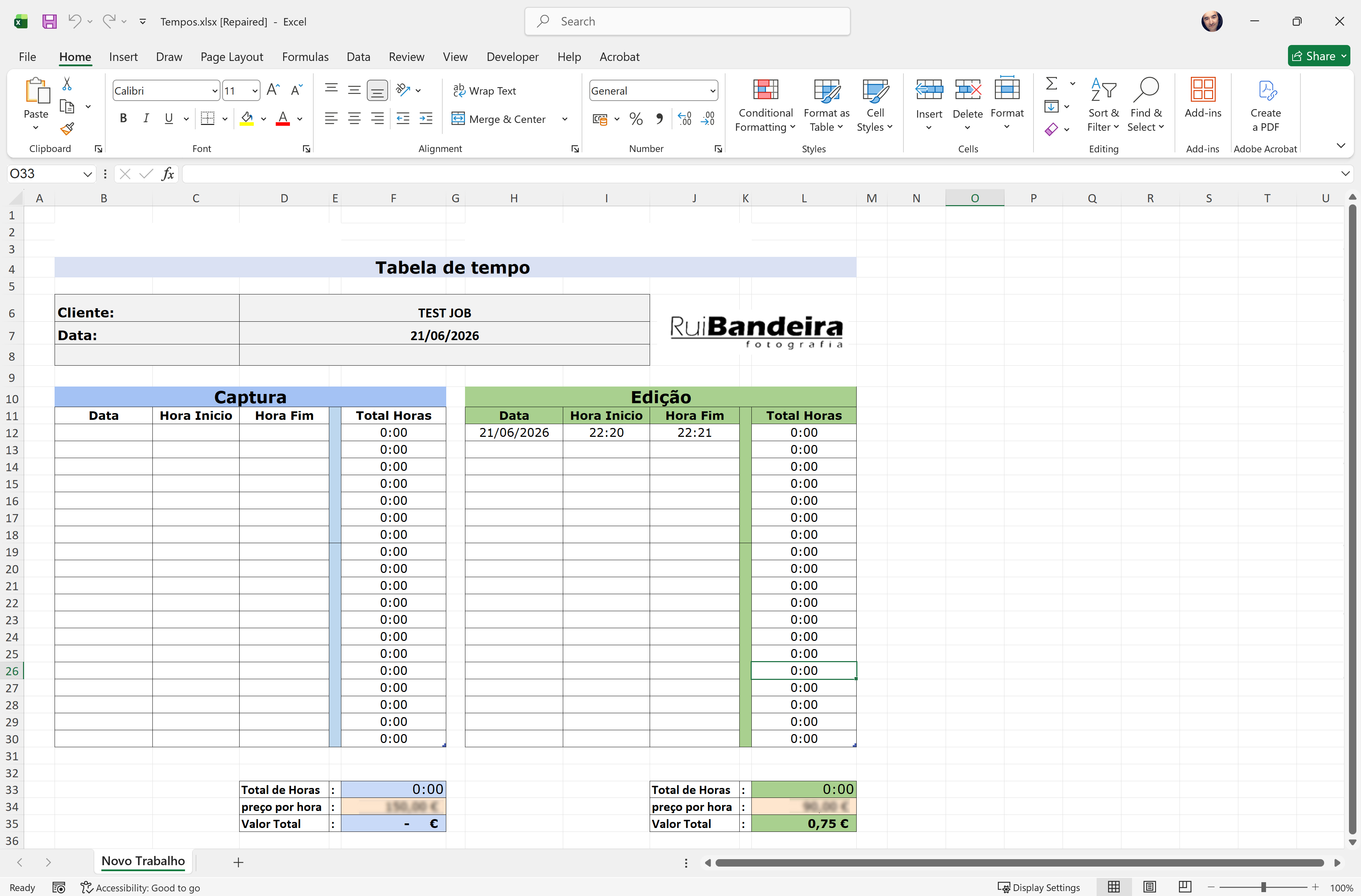
At the end, the editing time gets written directly into the Excel sheet I’ve used for years, right next to the shoot-time table I still fill in by hand. The formulas in Excel calculate the total editing time and the amount to invoice.
AI as an assistant, not a replacement
I didn’t ask Claude to take photos, edit an image, or decide what makes a good photograph — that’s still entirely my own call.
What I asked for was help solving an annoying administrative problem that was costing me time and accuracy in my business. AI didn’t replace my photography; it freed up time and gave me real data to price it better. That’s the distinction that matters: using the tool for the part that isn’t my craft, so I can put more energy into the part that is.
Today I know, with numbers instead of instinct, how much time each project actually takes. And that changes everything about how I quote — finally with the confidence that the price reflects the work, not a guess.