How I’ll Share the Photos from MEO Marés 2026 — with Multiple Teams at Once, with Just One Click
Whenever I accept to photograph a multi‑day festival, there’s a question that almost always comes up before the photography itself: “So… how are you going to deliver the photos during the festival?”
The festival organization needs access to all images: build‑up photos, stage photos, atmosphere, activations, brands on site — everything. The social media team needs JPEGs quickly so they can publish throughout the day. The Naming Partner needs photos of the concerts, the audience, and anything involving their brand — plus images they can use throughout the year for special dates such as Valentine’s Day, Father’s Day or Mother’s Day. Yes, you really do have to think about all of this. Some media outlets that can’t send a photographer, or prefer not to, will request high‑resolution TIFFs or JPEGs.
And ideally, all of this must happen without me having to stop shooting to “deal” with file deliveries.
The problem: three days, multiple stages, zero time
Experience from previous years taught me one thing: after a concert, the last thing I want is to sit at the computer selecting images and sending them one by one to different people, in different formats.
When I leave a stage, I still have the rest of the festival to photograph — and only after that can I sit down to select, edit and export the images. And I need to be ready for the next stage very quickly.
This means the delivery system must meet three non‑negotiable requirements:
- Automation — I export in Capture One and the image must become available automatically, without any extra steps.
- Segmentation — each person should only see what is relevant to them. Production doesn’t have time to handle press requests during the festival, and the press can’t be left waiting; they need images as soon as possible.
- Simplicity for the recipient — no accounts to create, no verification codes, no friction. One link, one click, and the photos start downloading.
This last requirement turned out to be the hardest to achieve. I tested several “more robust” solutions on paper, but they all required two‑factor authentication or account creation — which, in practice, would generate support requests and potential complications. Exactly what I want to avoid in the middle of a festival.
To make things even more complicated, the solution I used in previous editions is no longer available. For years I relied on MEO Cloud — it had a simple desktop app that created a folder on the computer and handled synchronization automatically. With its discontinuation, I had to find an alternative from scratch that offered the same simplicity.
The solution: MEGA + branded access pages on my website
I ended up choosing a simple but carefully designed combination.
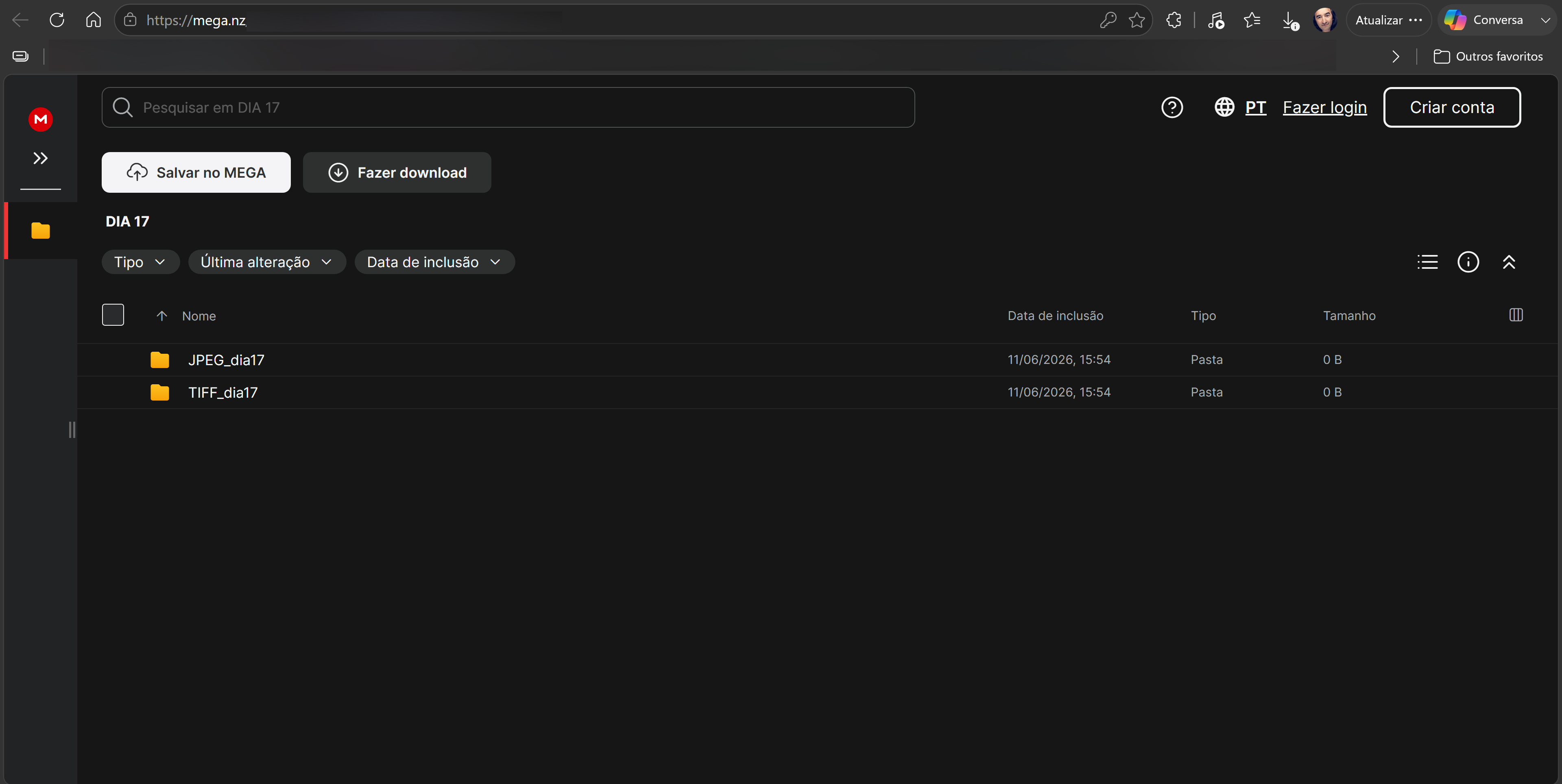
The images are organized into separate MEGA accounts — one dedicated to production images, used during the months of build‑up, and one account per festival day, each with its own JPEG and TIFF folders.
Files arrive in these folders as soon as I finish exporting from Capture One, using the export recipes I created beforehand. These recipes automatically send each image to the correct folder, in the correct format, without any manual intervention during concerts.
For delivery, I created dedicated access pages on my website — one for each type of audience:
- A page for production, with access to everything: build‑up + all three days, in all formats.
- A page for those who only need JPEGs from the three days.
- A page for those who only need TIFFs from the three days.
- A page for those who need both JPEGs and TIFFs.
Each person, after requesting access from the festival’s production team, receives only the link to the page that applies to them. Segmentation happens naturally through link distribution — simple, direct, and without complex permission management.
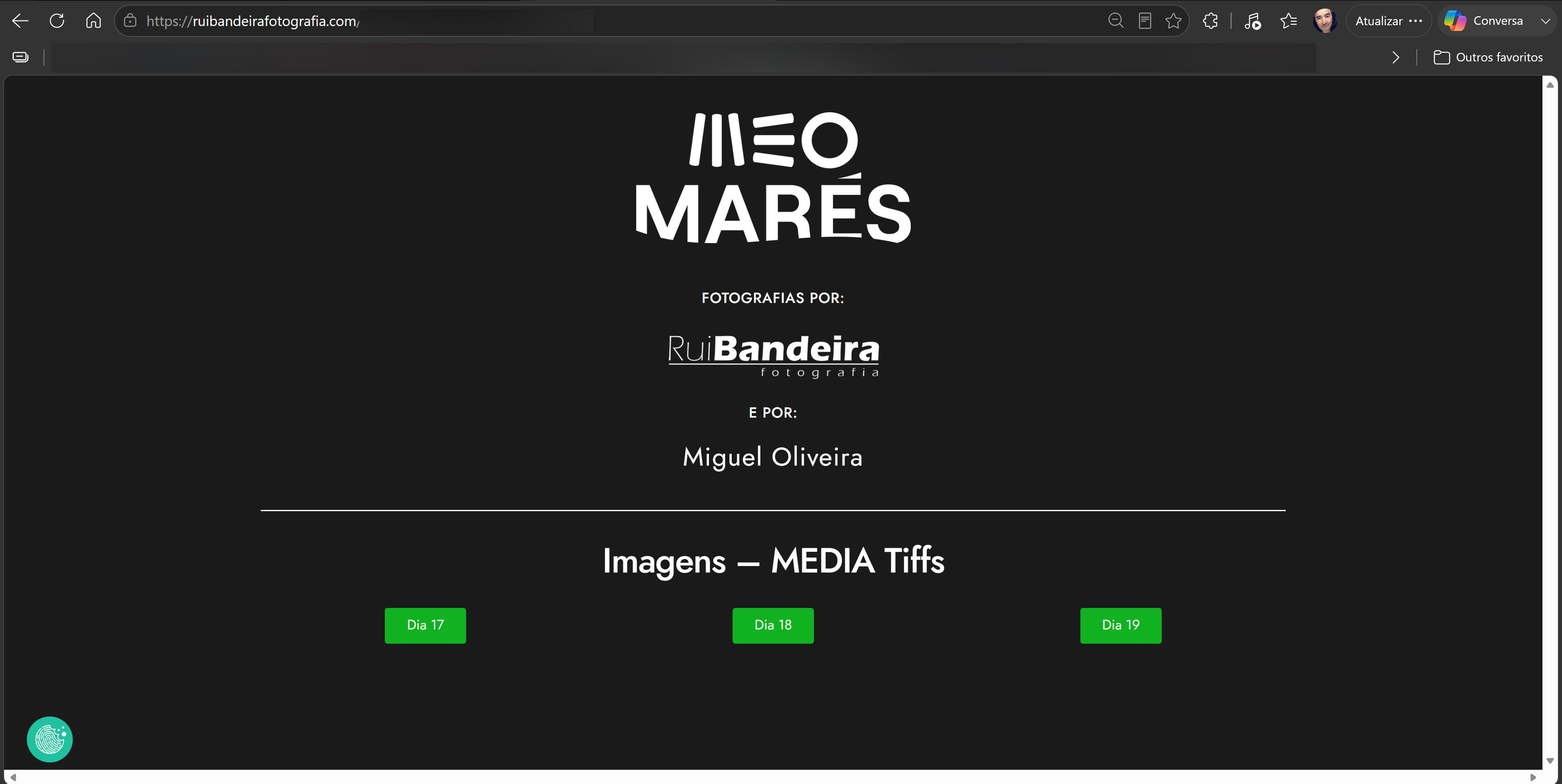
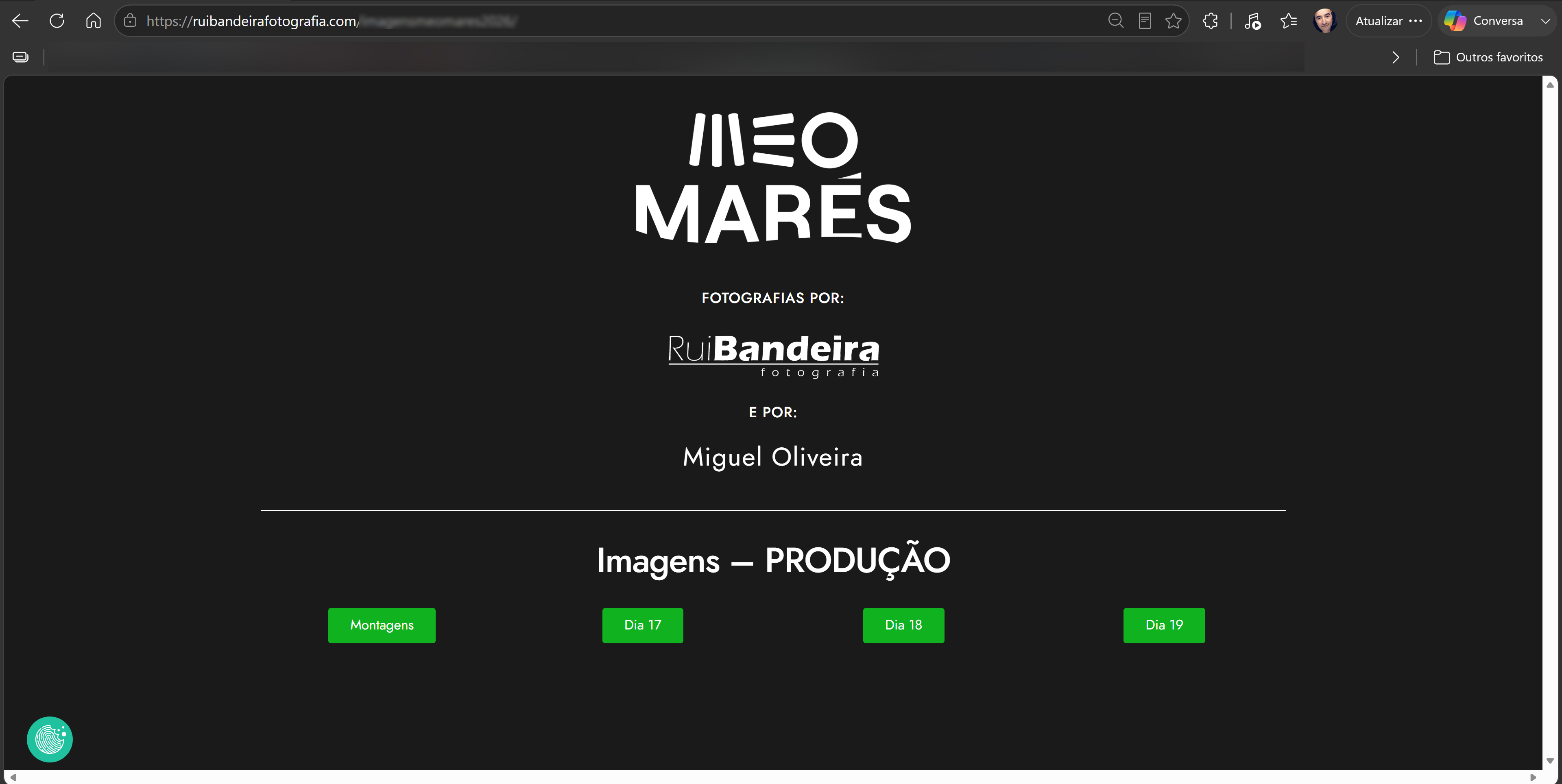
When they open the link, they see a page with my branding, the festival logo, and direct buttons for each day. No login. No email verification codes. No installations. They click the day they need and the images appear on screen.
The workflow in practice
Warning: this is the technical part of the article. If you prefer to skip to the conclusion, I won’t judge you — but if you’re the kind of person who lies awake thinking about export workflows, keep reading.
In practice, the process between one stage and the next works like this:
When I leave a stage, I walk around the festival grounds — photographing the atmosphere, brand stands, activations, everything happening outside the stages — or I go straight to the computer. When I get to the computer, the first thing I do is download the images: I use ProGrade Digital cards and readers, which allow me to transfer files much faster than conventional readers — in festivals, every minute counts.
With the images on the computer, I make a quick selection of the ones I want to edit and load them into Capture One. I edit and click export. From that moment on, the system handles everything, and I can head to the next stage while the images upload automatically.
The export recipes I programmed in Capture One know exactly where to send each image: which folder, which format, which size — all predefined for each type of output and for each festival day. The images go straight into the correct folders on the computer, where the MEGA app is always running in the background. As soon as a new file appears in one of those folders, the app detects it and uploads it automatically to the server.
Result:
I click export and can immediately get up and head to the next stage. When I arrive, the images are already available for whoever needs them — without me having touched anything else.
In the end, the workflow is reduced to the essentials: I shoot, edit and export — and the images are uploaded automatically on the other side, ready to be downloaded by whoever needs them.
All the technical complexity stays hidden behind a simple page — exactly how I want it. People waiting for photos shouldn’t have to deal with complicated processes; they just click a button and access the images.